
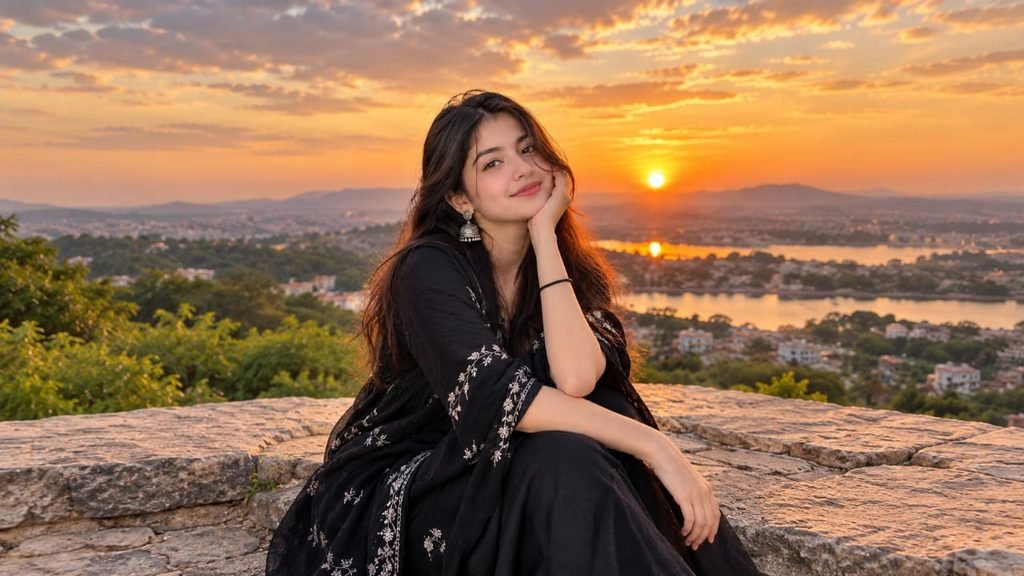
Do you want to transform your ordinary photo into a stunning cinematic portrait? With the right ChatGPT image prompt, you can create a professional-looking image with dramatic lighting, beautiful backgrounds, natural details, and a movie-inspired atmosphere.
Cinematic portraits are popular for Instagram posts, profile pictures, creative photography, and social media content. Instead of using complicated editing techniques, you can describe the look you want and use ChatGPT’s available image features to create or edit your picture.
Cinematic Portrait AI Photo Prompt
Use the following prompt to give your photo a cinematic appearance.
Copy and paste this prompt: 👇👇👇
How to Use This ChatGPT Prompt
Follow these simple steps to try the cinematic portrait effect.
1. Open ChatGPT on your phone or computer.
2. Upload a clear photo that shows your face properly.
3. Copy the cinematic portrait prompt provided above.
4. Paste the prompt into the chat and request the image edit.
5. Review the generated result and ask for adjustments if necessary.
For the best experience, choose a photo with good lighting and a clearly visible face.
Customize Your Cinematic Portrait
You can easily change the appearance of your image by modifying a few details in the prompt.
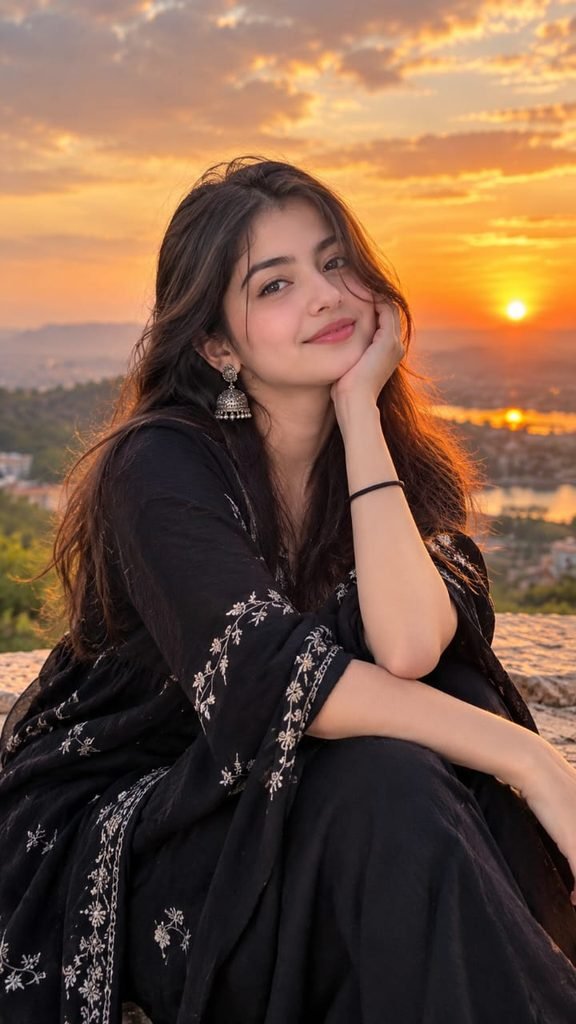
For example, replace the sunset background with a rainy city street, a luxury building, a mountain landscape, or a modern photography studio. You can also experiment with blue cinematic lighting, warm orange tones, or a dark dramatic atmosphere.
If you want to create a vertical image for Instagram Reels or Stories, specify a 9:16 aspect ratio in your prompt or select that format in the image tool when available.
Conclusion
A well-written cinematic portrait prompt can help you explore creative photo styles without needing advanced editing skills. Upload your photo, use the prompt, and experiment with different backgrounds and lighting effects to find your favorite look.
Visit Promptwifi for more AI photo prompts, creative editing ideas, and inspiration for your next project.
Pingback: Instagram Viral AI Photo Trend: Create 6 Stylish Poses with One Prompt - Promptwifi